


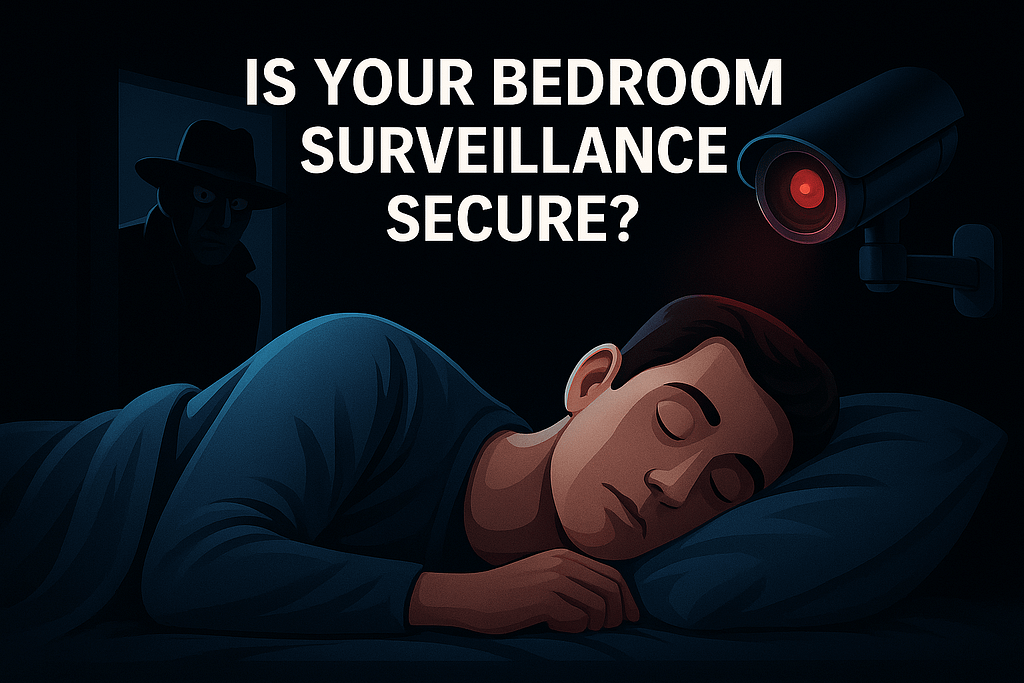
Updated October 2026. Security cameras and connected devices are now common in homes, offices and small businesses. Some watch entrances or pets; others are installed in particularly private spaces. These conveniences bring a question worth asking before the next recording: who can access the camera, and under what conditions?
A camera connected to Wi-Fi or a manufacturer’s cloud is not necessarily exposed to strangers. But weak credentials, outdated firmware, an insecure cloud account or unnecessary internet-facing services can create real risks. Understanding these risks is more useful than assuming every device is either completely safe or already compromised.
Privacy decision: A VPN may protect a particular network path. It does not, by itself, secure the camera, its cloud account, its recordings or the manufacturer’s service.
1. How Can a Camera Become Exposed?
Unauthorized access usually requires an identifiable weakness or compromised access. Common routes include reused passwords, compromised user accounts, unsupported firmware, exposed services and permissions granted to the wrong person.
- Default or reused passwords: Weak credentials can increase the risk of account takeover or direct device access.
- Unnecessary internet access: Router port forwarding or other published services can increase the attack surface.
- Unpatched vulnerabilities: Known weaknesses may remain exploitable when firmware is not maintained.
- Cloud account exposure: A compromised vendor account can undermine security even if the home’s local network is protected.
- Overbroad permissions: Shared access and excessive app permissions can expose more information than intended.
Internet-search platforms such as Shodan can identify certain publicly exposed services. Discovering a device or service does not necessarily mean that its video feed is accessible. The responsible response is to audit your own devices, not to assume private camera footage is publicly available.
2. Five Common Security Mistakes
- Leaving default passwords unchanged. Replace factory or reused credentials, including on the router and companion account.
- Enabling unnecessary remote access. Review the manufacturer’s cloud access and any port forwarding or UPnP configuration.
- Choosing a device without checking its support policy. Low price alone does not prove insecurity; lack of transparent updates and support is more informative.
- Ignoring firmware updates. Review official security support and decide what to do with devices that are no longer maintained.
- Overlooking account and app access. Inspect shared users, multi-factor authentication, sessions and permissions.
3. A Commercial VPN Is Not the Same as a Home-Access VPN
The word VPN describes more than one use case. A commercial VPN service generally routes supported traffic from a device through the provider’s servers. A properly configured remote-access VPN, by contrast, can provide authorized access to a private home or office network from outside.
| Question | Commercial VPN Service | Private Remote-Access VPN |
|---|---|---|
| What is the main purpose? | Protect a network path to a VPN provider and alter the apparent network exit point. | Allow authorized devices to reach a private network through an encrypted tunnel. |
| Does it automatically connect to your home cameras? | No. | Only when installed and configured for that network and camera access. |
| Does it fix weak camera passwords? | No. | No. |
| Does it secure a compromised cloud account? | No. | No. |
| Can it reduce direct exposure of remote management services? | Not simply by subscribing. | A well-designed private-access setup can reduce the need to expose individual services. |
A VPN does not eliminate the need for manufacturer updates, strong authentication, safe router configuration or secure cloud-account settings. The FTC also cautions that VPN apps differ in how they handle traffic and that using one does not confer complete anonymity.
4. What a VPN Can and Cannot Do
What it can do
- Encrypt supported traffic on a defined path: a correctly configured VPN can protect data between your device and its VPN endpoint.
- Support safer private network access: a remote-access VPN can provide an authenticated tunnel to a home network without publishing every camera service directly.
- Reduce visibility on some networks: a commercial VPN can limit what a local network operator sees about supported traffic, while transferring important trust to the VPN operator.
What it cannot do
- Repair insecure camera firmware or unsafe default settings.
- Prevent misuse of a compromised vendor account or cloud service.
- Guarantee that no one can identify you or the device.
- Guarantee that every stream or application uses its tunnel.
- Replace account MFA, router security or access reviews.
Technical distinction: A camera connected to a manufacturer’s cloud may continue communicating with that cloud regardless of whether your phone uses a commercial VPN. Check the actual product architecture and configuration.
5. Before You Trust Your Camera: Eight Checks
Use this checklist on cameras that you own or administer. The availability of settings varies by product.
1. Change default credentials
Replace default or reused passwords on the device and linked account. Use distinct, strong credentials.
2. Enable account MFA
Use multi-factor authentication for the manufacturer’s account wherever supported, especially for cloud access.
3. Update camera firmware
Check the official app or manufacturer’s website for security updates. Replace unsupported devices when needed.
4. Audit remote access
Identify cloud access, router port forwards and UPnP settings. Disable unnecessary internet exposure.
5. Review who can see recordings
Inspect shared users, active sessions, permissions and cloud storage/retention settings.
6. Check the companion app
Remove unnecessary microphone, camera, location and other permissions where feasible.
7. Secure your router
Keep router firmware updated, change administrative credentials and segment IoT devices where supported.
8. Test the security setup
Confirm how remote viewing works, whether a connection remains available when intended features are disabled and whether alerts or logs are accessible.
6. What If You Suspect Unauthorized Access?
If you have reason to believe a camera account or device was accessed without authorization, take measured steps: change credentials through the official service, revoke unfamiliar sessions or users, enable MFA, install supported updates and review vendor security notices. Where necessary, disconnect the camera from the network while you seek qualified help. Preserve any relevant evidence before factory-resetting the device.
For cameras installed in sensitive rooms, consider whether the placement is appropriate at all. Even a technically secure device collects potentially sensitive material; minimizing collection can reduce exposure.
7. A Consistent Privacy Principle Across JapanDigitalHub
Other articles on this site explain VPN fundamentals, provider selection and cross-border shopping. Their appropriate lesson is not that a VPN guarantees safety or lower prices. Instead, it is that different tools can help with distinct needs, subject to their technical limits, local rules and service policies.
For VPN fundamentals, see What Is a VPN and Why Do You Actually Need One?. For provider selection, see How to Choose the Right VPN Provider Based on Your Real Needs.
Final Thoughts: Privacy Means Maintaining Control
Technology provides convenience, but cameras should not be installed and forgotten. Knowing who has access, where recordings are stored, which connections are exposed and whether the device still receives updates is what turns awareness into practical protection.
A VPN may be useful in that strategy. It is not a substitute for the strategy itself.
KYOTEN Decision Principle: Verify the actual point of exposure before buying a security product. A visible VPN icon is not evidence that every part of a connected system is secure.
Sources and Editorial Transparency
- FTC — In the Market for a VPN App?
- CISA — Internet Exposure Reduction Guidance
- NIST — Consumer IoT Cybersecurity
- NIST — Recommended Cybersecurity Requirements for Consumer Routers
Editorial note: Updated October 2026. This is general consumer security guidance, not a penetration test or certification of any camera, VPN provider or cloud service. Features and support vary by device and vendor. No affiliate products are promoted in this article.